


How to update an Extension
Check the Extensions Update Button in the Notifications panel of the Home Dashboard every time you sign in.
See image below.
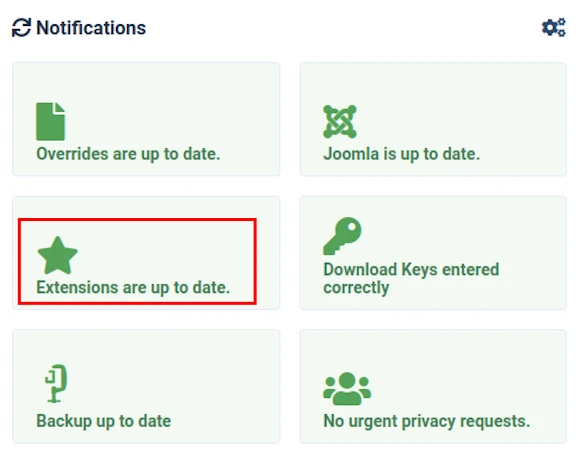
If installed Extensions are all up to date then the button will be clearly labelled:
- Extensions are up to date
as shown in the image above.
If the button indicates that updates are available, click the button and follow the on-screen instructions.
We cover this topic in more detail in our separate article - see link below.
Important: always perform a full back up of your website before updating Extensions.
Read more: How to update 3rd Party Extensions.
Read more: How to back up your Joomla! CMS.
JOOMLERS.UK is sponsored by WYNCHCO Solutions
WYNCHCO Solutions help and support managers responsible for Joomla! CMS websites in UK business and third sector organisations across Cheshire, Greater Manchester, Merseyside and North West England.


