


Joomla! 6.1.0 introduced this useful unobtrusive plugin to the core Joomla! CMS.
It replaces the old Google reCAPTCHA Plugins.
The CAPTCHA Proof of Work Plugin "presents a math task to the user's browser that the browser can solve automatically.
It's not supposed to prove that the user is human, but to prove that the user is willing to invest the necessary time to solve the task.
Currently based on the Altcha (altcha.org) library."
Source: CAPTCHA Proof of Work Plugin screen.
If you want to learn what happened to the old Google reCAPTCHA Plugins visit the link below.
Read more: What became of the Google reCAPTCHA Plugins?
Enable and configure the CAPTCHA Proof of Work Plugin
The CAPTCHA Proof of Work Plugin can be found in the Plugins screen of your website Dashboard.
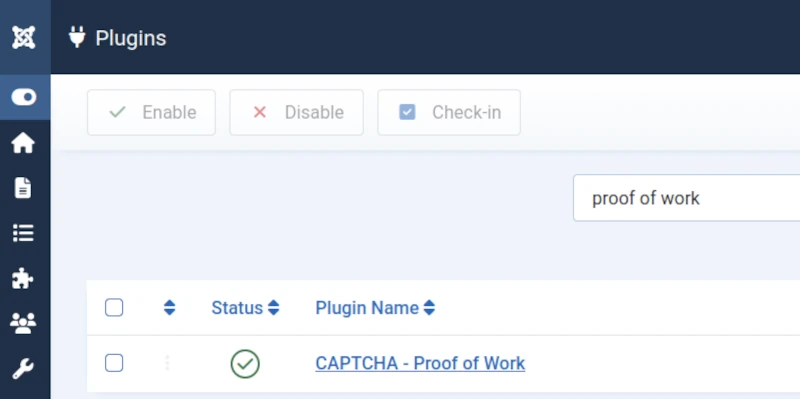
Toggle the button to the left of the plugin name to enable it (green tick = enabled).
Open the Plugin screen to edit its settings.
The default settings shown in the image below should meet most users' needs.
But if you wish you can change them.
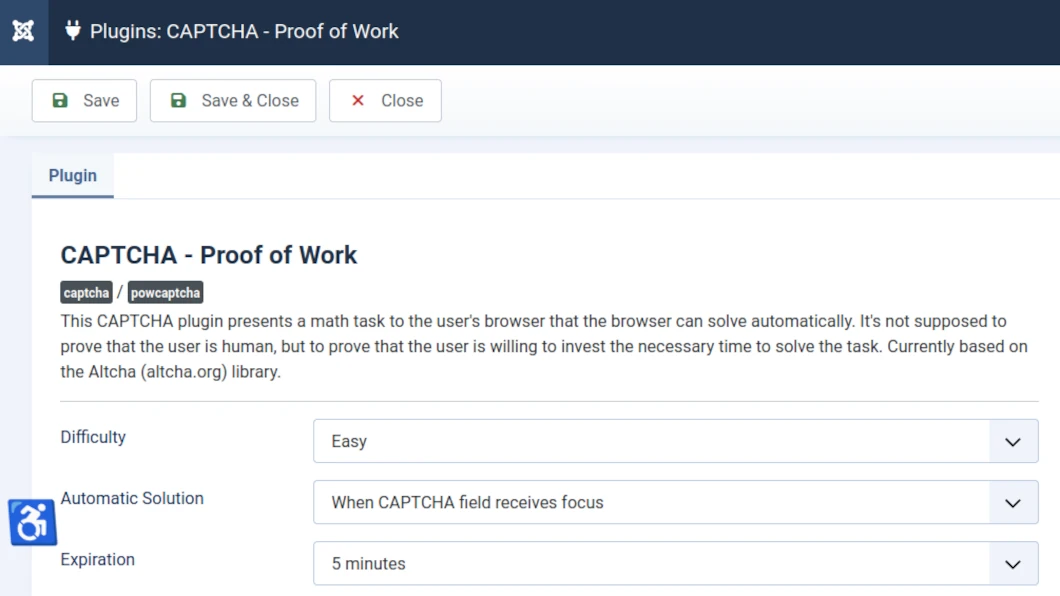
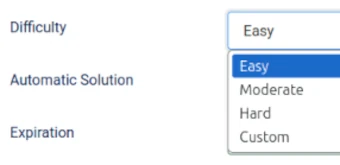
Difficulty
Make the CAPTCHA harder to require more computing time to solve it.
Default = Easy.
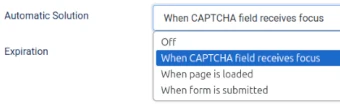
Automatic Solution
Determine whether the CAPTCHA can be solved automatically without user interaction.
Default = When CAPTCHA field receives focus.
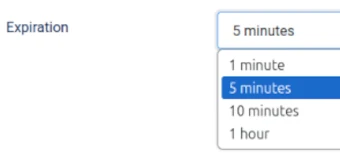
Expiration
Determine for how long a solution be valid.
Default = 5 minutes.
Global Configuration
How to make CAPTCHA Proof of Work Plugin the default global CAPTCHA plugin for your website.
First check the CAPTCHA Proof of Work Plugin is enabled in the Plugins screen.
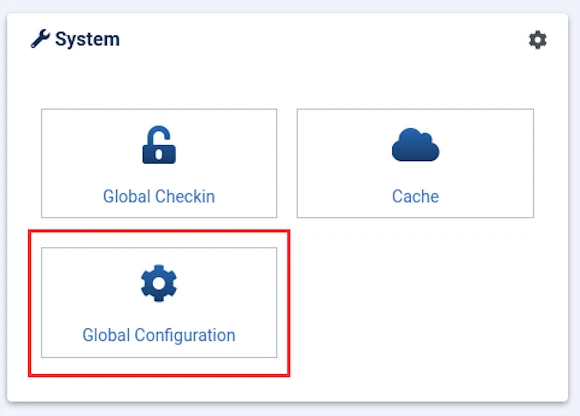
Next, select Global Configuration from the Home Dashboard.
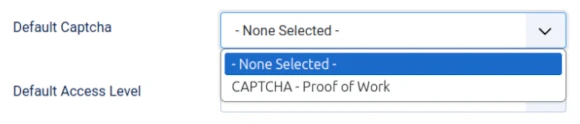
Then under the Site tab, toggle the Default Captcha button from None Selected to CAPTCHA Proof of Work.
Default Captcha, by default = None Selected.
See image below.
Next, review and change the Captcha settings for your website's Contact Form and User Registration in the respective Options screens.
Contact Form
How to make CAPTCHA Proof of Work Plugin the default CAPTCHA plugin used by your website's Contact Form.
First check the CAPTCHA Proof of Work Plugin is enabled in the Plugins screen.
Next, in the Contacts screen of your website dashboard select the Options button from the top right of the screen.
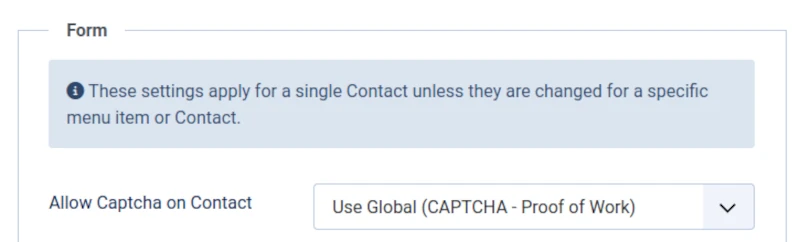
Toggle the Allow Captcha on Contact button to change the selection to either:
- CAPTCHA Proof of Work Plugin, or
- Use Global (assuming you have edited the Global Configuration - see above).
User Registration
How to make CAPTCHA Proof of Work Plugin the default CAPTCHA plugin used by your website's user registration.
First check the CAPTCHA Proof of Work Plugin is enabled in the Plugins screen.
Next, in the Users screen of your website dashboard select the Options button from the top right of the screen.
Toggle the Captcha button to change the selection to either:
- CAPTCHA Proof of Work Plugin, or
- Use Global (assuming you have edited the Global Configuration - see above).

Make Joomla! CMS Security your #1 Priority
We help and support managers responsible for Joomla! CMS websites in UK business and third sector organisations across Cheshire, Greater Manchester, Merseyside and North West England.


