


How to create a Module
Here we show you how to create a new Menu Module.
A Menu Module is needed to publish your Menu where you want it to be displayed in your website.
Open the Modules Screen
Select the Modules button from the Site panel in your website's Dashboard.

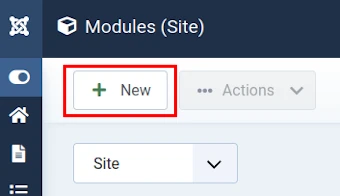
Select New
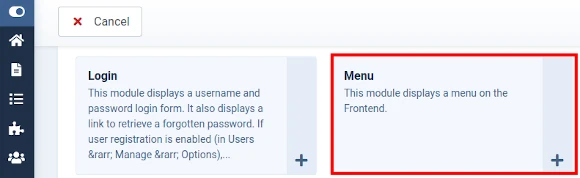
Choose a Module Type
In this instance: Menu.
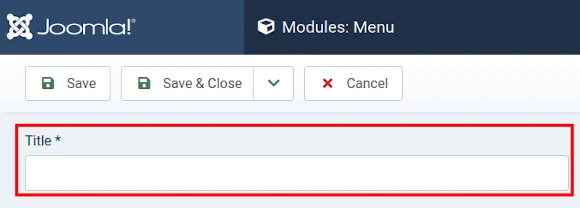
Edit Menu Module Details
Enter a Menu Module Title.
Example: Top Menu.
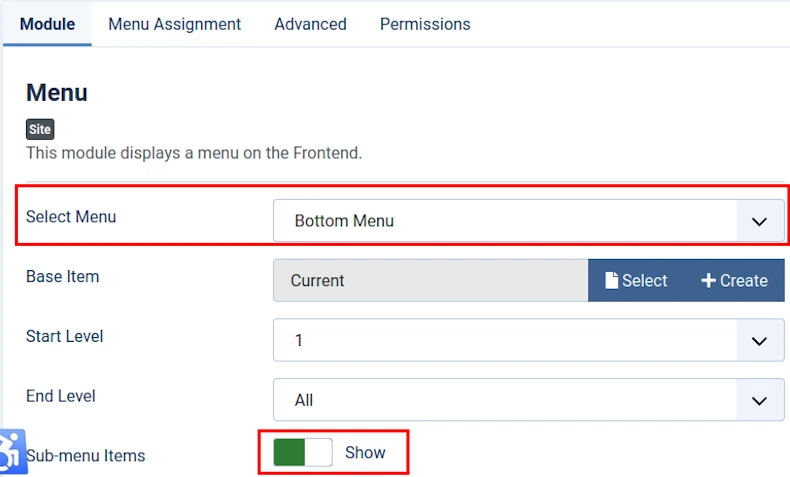
Then, under the Module tab, toggle the Select Menu button to choose the Menu to be displayed by the new Menu Module.
Example: Top Menu.
The image below shows Sub-menu Items = Show.
This means that Sub-Menu Links will be visible in the Front End (recommended).
The Menu Module Title will be displayed by default.
Change Title = Show to Title = Hide if you would rather not display a title.
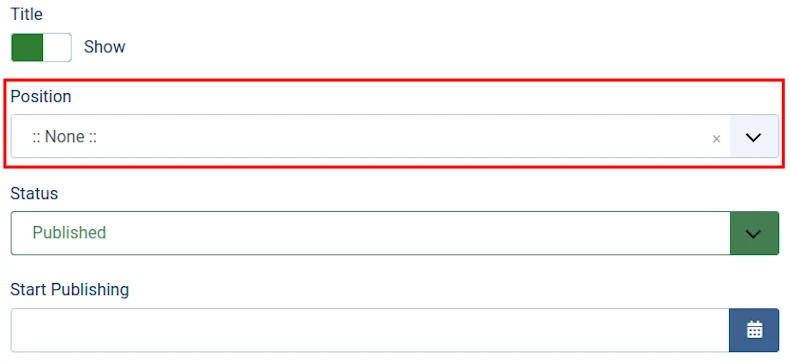
And choose a Position.
Example: sidebar-right.
If you do not choose a Position then the Menu Module and its associated Menu will not be visible in the Front End.
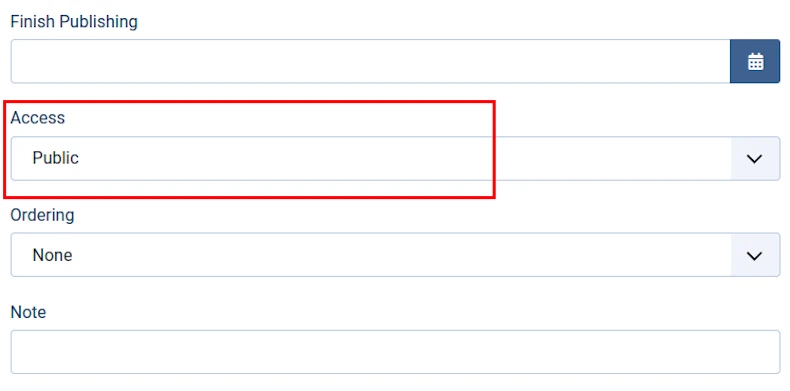
Choose an Access Level or User Group.
Default Access Level (or User Group) = Public.
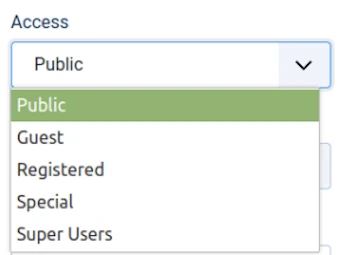
The image below shows the available User Groups in a default Joomla! CMS website.
The default User group = Public.
The Module will be visible to all website visitors when published.
If you were to select Registered then the Module will not be visible until a user signs into the Front End.
Edit Advanced Settings
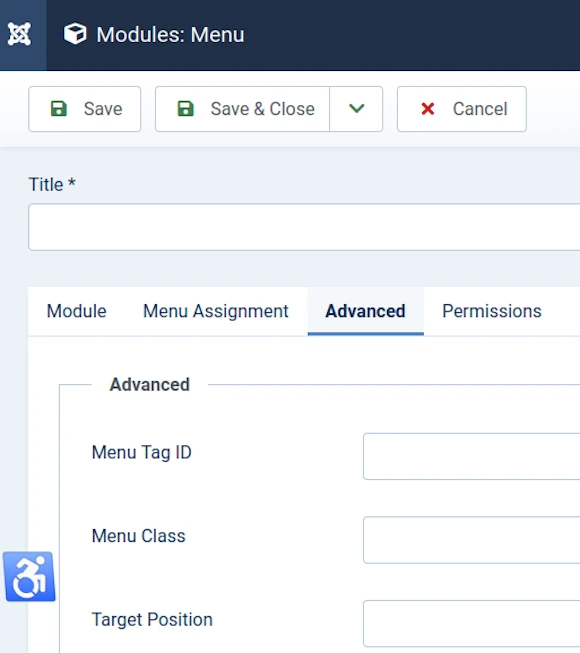
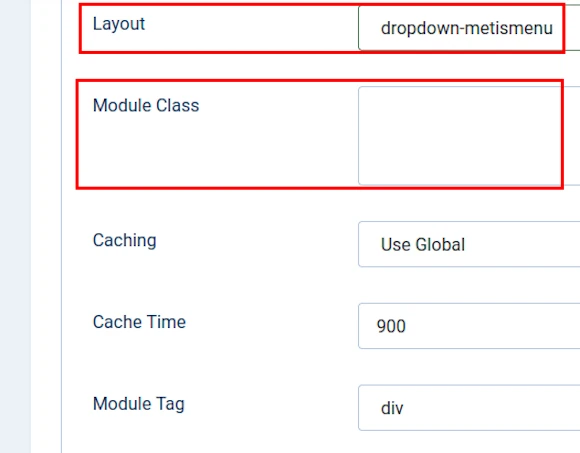
There are two fields under the Advanced tab which require careful attention when you create a new Menu Module.
These are Layout and Module Class (see image below).
See our separate article for how to complete these fields.
Daunted at the prospect of creating a new Menu Module?
Look for an existing Menu Module that appears similar to one that you want to create.
Duplicate it.
And then tweak its settings as required.


