Webmail
Webmail provides a quick and secure way to check your email using a web browser.
It also provides a quick and easy interface to use in your browser when you want to add an Autoresponder to an email account.
Benefit: this task would otherwise require that you sign into your Hosting Control Account.
It enables you to access your email accounts without having to configure an Email Client on your device.
This is a useful feature when the Email Client on your device is malfunctioning or cannot connect to the Mail Server.
For example, the ISP used by your hotel is blocking the port used by your device's email client for sending mail.
Or the IP of the location you are trying to send from has been added to a block list because of heavy use by spammers.
Webmail Login Panel.

How to access webmail in your web browser
The URL used to access webmail may vary depending upon your hosting provider, but should look something like either:
- https://webmail.yourdomain.com
or this:
- https://yourdomain.com/webmail
Substitute yourdomain.com with your own domain name :)
Then enter the username (email account name) and password for the email account you want to access.
Example Knowledgebase article by Krystal Hosting:
https://help.krystal.io/getting-started/how-do-i-login-to-my-webmail
Heads up
The HTTPS URL will not be secure unless you have added an SSL Certificate to your domain.
You can do this via your Hosting Control Panel.
Many hosting providers now offer a free Let's Encrypt SSL Certificate for use with your domain.
We recommend you take up this offer.
Read more: Issue an SSL Certificate.
How to securely access Webmail when you don't have an SSL Certificate
If your domain does not yet have an SSL Certificate assigned to it and you need to use Webmail, use this method to securely access your email via a web server.
Sign into your Hosting Control Panel and select Email Accounts
The URL and user credentials for signing into your hosting control panel will have been provided when your hosting subscription began.

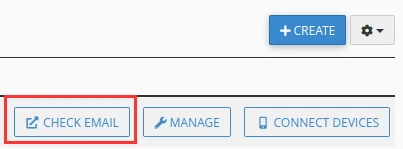
Select Check Email for the Mailbox you wish to use
Note: Mailbox = Email Account.
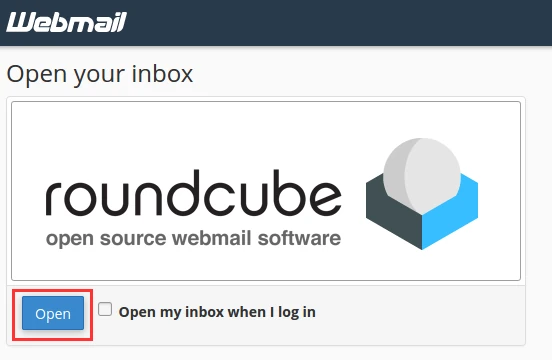
Select Open to securely view Webmail in the web browser
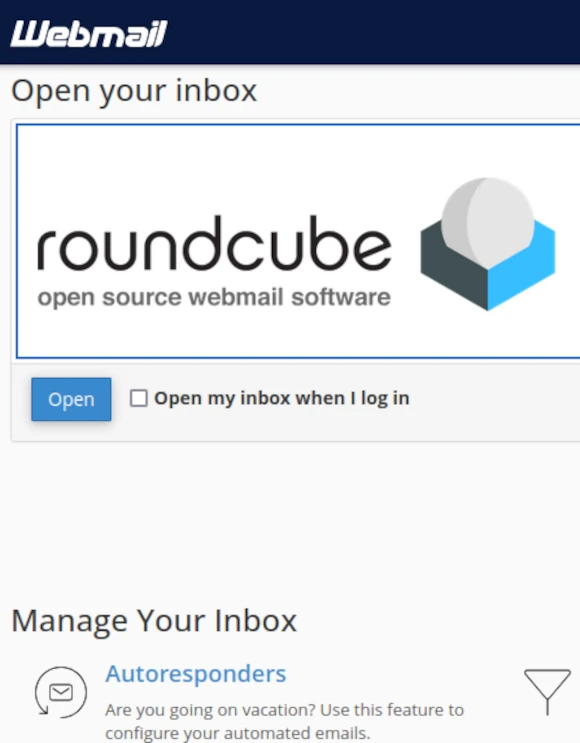
Add an Autoresponder to your email account
Webmail enables you to quickly and easily add an Autoresponder to your email account.
And to configure, enable and disable it as the need arises.
And no need to sign into your Hosting Control Panel when you do.
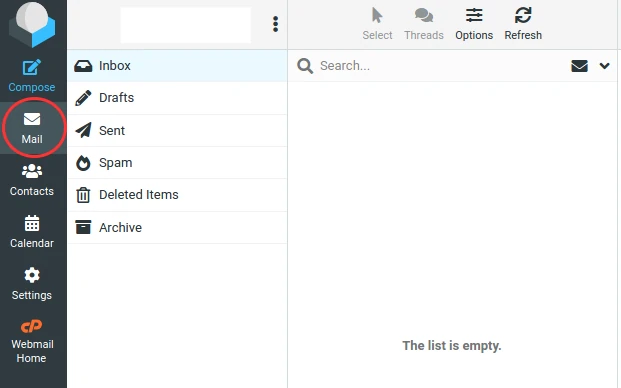
Browse mail stored in the Mailbox
Select Mail.
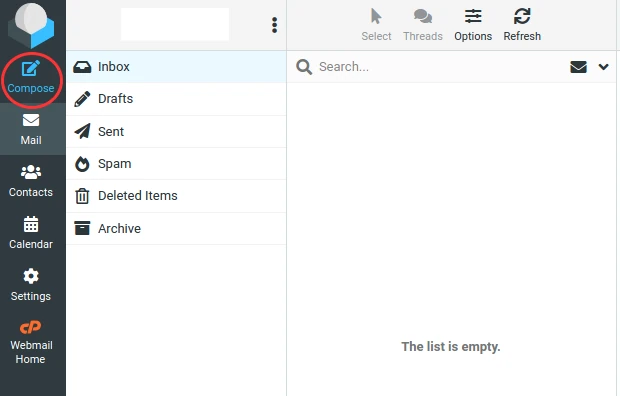
Compose and send a new email message
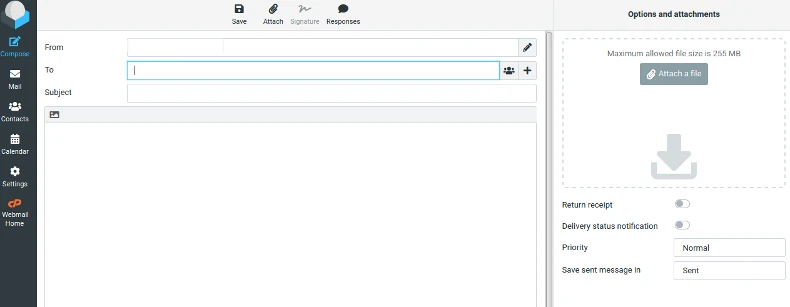
Select Compose.
Compose your email and select Send Email.
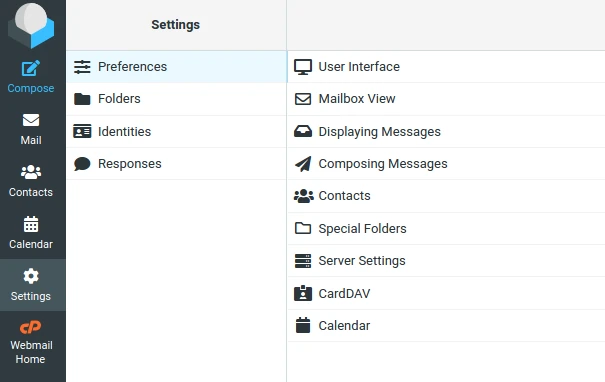
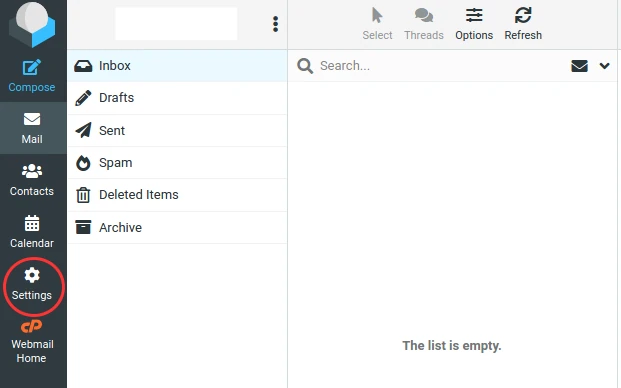
Review Webmail Settings
Select Settings.
Review settings using the menu provided.